15 Best HeyReach Alternatives for LinkedIn Outreach in 2025
LinkedIn outreach has become the backbone of modern B2B sales strategies. But when you're managing multiple client accounts or scaling your agency's lead generation efforts, you need more than just basic automation.
HeyReach has made waves in the LinkedIn automation space with its multi-account management and agency-focused features. But it's not the only player in town. Whether you're looking for better pricing, more advanced features, or different automation approaches, there are plenty of powerful alternatives worth considering.
In this comprehensive guide, we'll explore the 15 best HeyReach alternatives that can supercharge your LinkedIn outreach campaigns in 2025. From cloud-based powerhouses to budget-friendly browser extensions, we've got options for every use case and budget.
What Makes a Great LinkedIn Outreach Tool?
Before we dive into the alternatives, let's talk about what actually matters when choosing a LinkedIn automation platform.
Safety should be your top priority. LinkedIn's algorithm is constantly evolving to detect and ban automation tools. The best platforms use cloud-based infrastructure, randomized delays, and smart activity limits to keep your accounts safe.
Multi-account management is crucial for agencies. If you're managing outreach for multiple clients or running campaigns across several LinkedIn profiles, you need a tool that can handle everything from one dashboard without getting accounts mixed up.
Smart sequences save time and boost results. The ability to create sophisticated drip campaigns with conditional logic, A/B testing, and personalization tokens can dramatically improve your response rates.
Team collaboration features matter. When multiple team members need access to campaigns, a unified inbox and role-based permissions become essential for maintaining organization and accountability.
Integration capabilities extend your reach. The best tools don't work in isolation. They connect with your CRM, email marketing platform, and other sales tools to create seamless workflows.
Now let's explore the alternatives that deliver on these criteria.
Top-Tier Cloud-Based Automation (Direct HeyReach Competitors)
These platforms compete directly with HeyReach by offering multi-account management, agency features, and enterprise-grade safety protocols.
1. Expandi
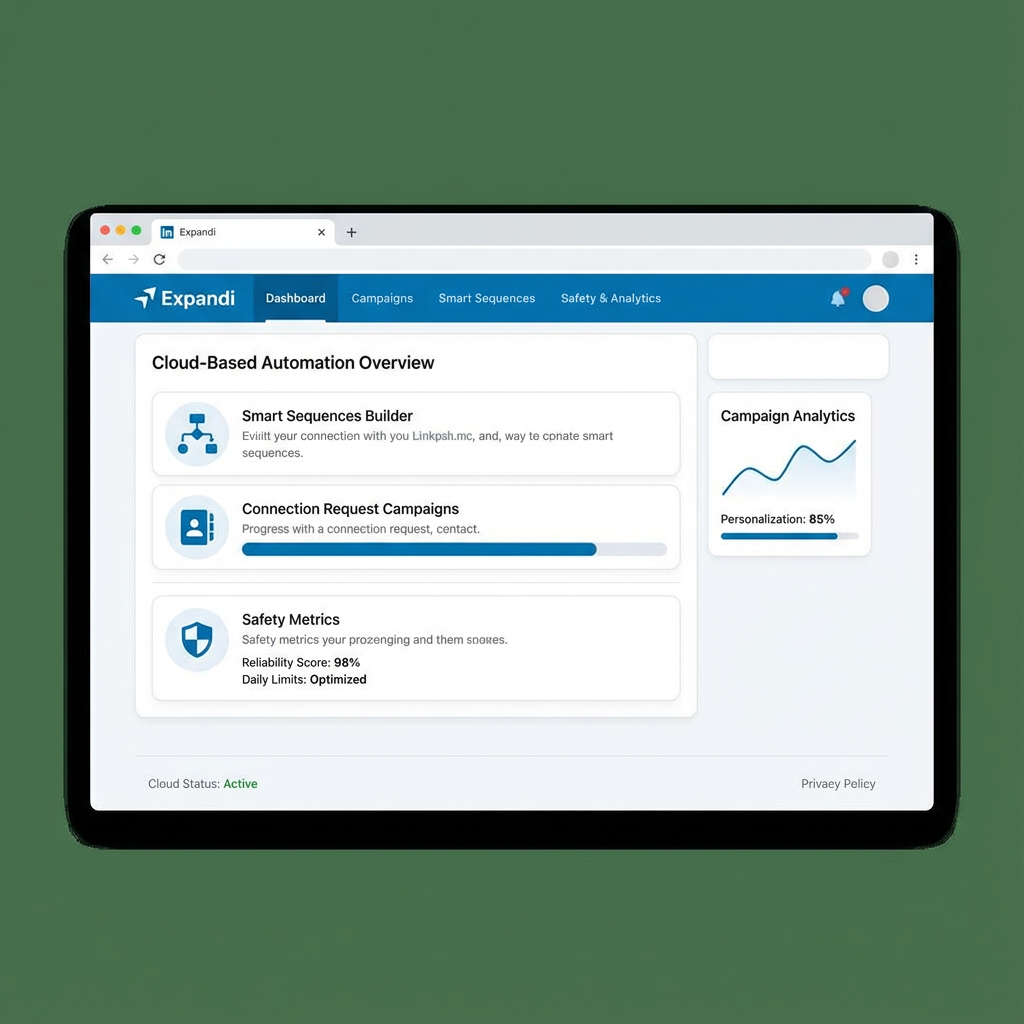
Expandi is widely considered the gold standard for LinkedIn automation safety. This cloud-based platform has built its reputation on keeping accounts safe while delivering impressive outreach results.
What sets Expandi apart is its obsessive focus on mimicking human behavior. The platform uses dedicated IP addresses for each account, randomizes activity patterns, and respects LinkedIn's daily limits automatically. You won't find a safer LinkedIn automation tool on the market.
The smart sequences feature lets you build sophisticated campaigns with conditional logic. You can create different paths based on whether someone accepts your connection request, replies to your message, or ignores your outreach entirely. This level of sophistication dramatically improves conversion rates.
Image and GIF personalization is another standout feature. You can automatically insert a prospect's name, company logo, or other custom elements into images, making your outreach feel genuinely personal even at scale.
Pricing starts at $99 per month for a single account, with volume discounts available for agencies managing multiple profiles.
Best for: Agencies and sales teams that prioritize account safety and need advanced personalization features.
2. We-Connect
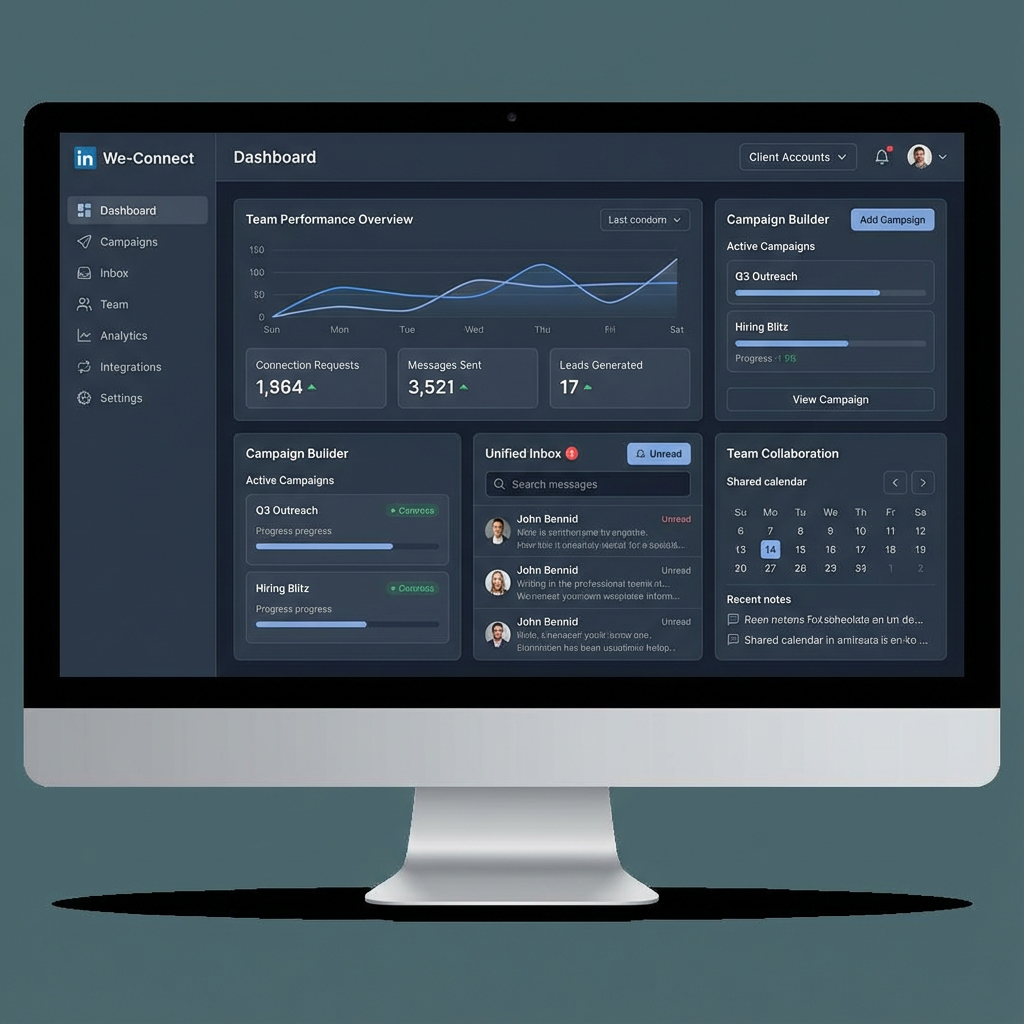
We-Connect positions itself as the safer, smarter alternative to traditional LinkedIn automation. This cloud-based platform emphasizes compliance and deliverability while offering robust team collaboration features.
The platform's campaign management system is intuitive and powerful. You can create multi-step sequences, schedule follow-ups, and track performance metrics across all your accounts from a single dashboard. The visual campaign builder makes it easy to map out complex outreach strategies without getting lost in technical details.
Team features are where We-Connect really shines. You can assign campaigns to specific team members, set up approval workflows, and monitor activity across your entire organization. The unified inbox ensures no lead falls through the cracks when multiple people are managing outreach.
Agency management tools include white-labeling options, client reporting dashboards, and hierarchical account structures that keep everything organized as you scale.
Pricing is competitive with plans designed specifically for agencies and teams managing multiple LinkedIn accounts.
Best for: Marketing agencies and B2B companies that need strong team collaboration and client management features.
3. Dripify
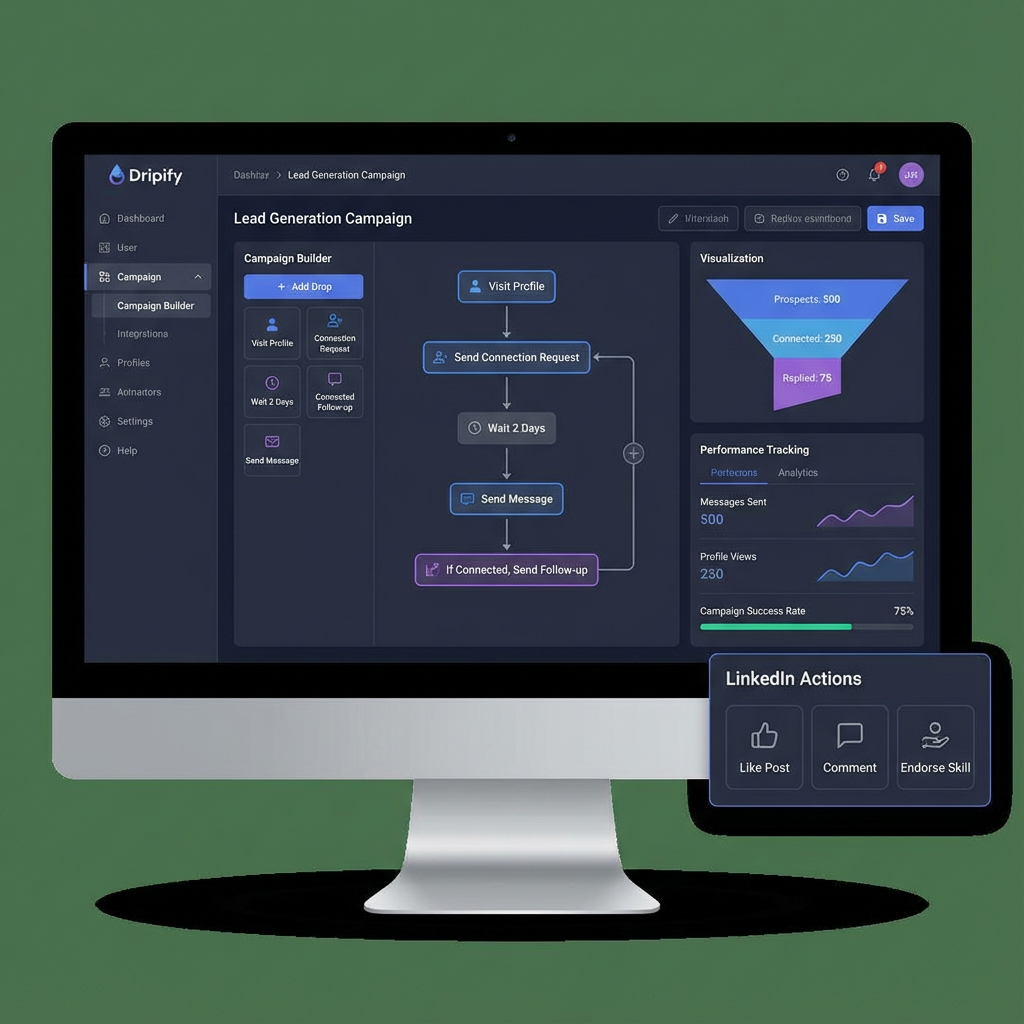
Dripify brings visual campaign building to LinkedIn automation. If you've ever felt overwhelmed by complex automation sequences, Dripify's drag-and-drop interface will feel like a breath of fresh air.
The visual campaign builder lets you see your entire outreach funnel at a glance. You can add steps, create conditional branches, and set up follow-up sequences by simply dragging elements onto a canvas. It's intuitive enough for beginners but powerful enough for advanced users.
Drip campaigns are Dripify's specialty. You can nurture prospects over weeks or months with carefully timed touchpoints that build relationships gradually. The platform automatically adjusts timing based on prospect behavior, ensuring your messages arrive when they're most likely to be read.
The team dashboard provides visibility into campaign performance, prospect engagement, and team activity. You can see which campaigns are converting, which team members are hitting their targets, and where bottlenecks exist in your sales process.
Multiple pricing tiers accommodate solopreneurs, small teams, and large agencies with different feature sets and account limits.
Best for: Sales teams that want visual campaign management and sophisticated drip sequences.
4. SalesRobot
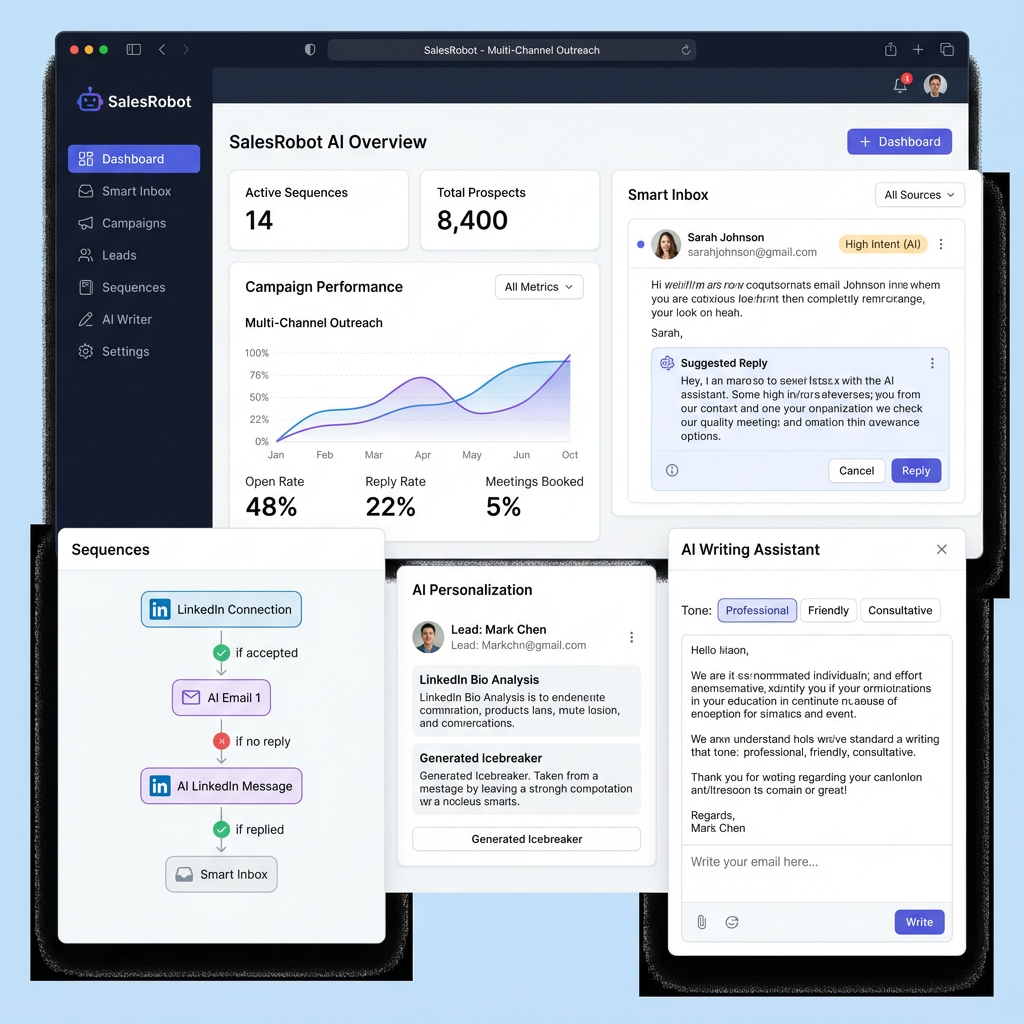
SalesRobot takes a multi-channel approach to outreach by combining LinkedIn automation with email sequences. This integrated strategy helps you reach prospects wherever they're most responsive.
The AI personalization engine analyzes prospect profiles and generates customized message variations automatically. Instead of sending the same generic template to everyone, SalesRobot creates unique messages that reference specific details from each prospect's LinkedIn profile.
Multi-channel sequences let you coordinate LinkedIn and email touchpoints in a single campaign. You might start with a LinkedIn connection request, follow up with a personalized message, and then send an email if they don't respond. This omnichannel approach significantly improves response rates.
The smart inbox consolidates all prospect conversations in one place, whether they came from LinkedIn or email. You can respond directly from the platform without switching between multiple tools.
Pricing starts at $99 per month with unlimited email sending and robust LinkedIn automation features included.
Best for: B2B sales teams that want to combine LinkedIn and email outreach in coordinated campaigns.
Multi-Platform & All-in-One Sales Platforms
These tools go beyond LinkedIn to offer comprehensive sales engagement platforms that handle multiple channels and integrate deeply with your existing tech stack.
5. Reply.io
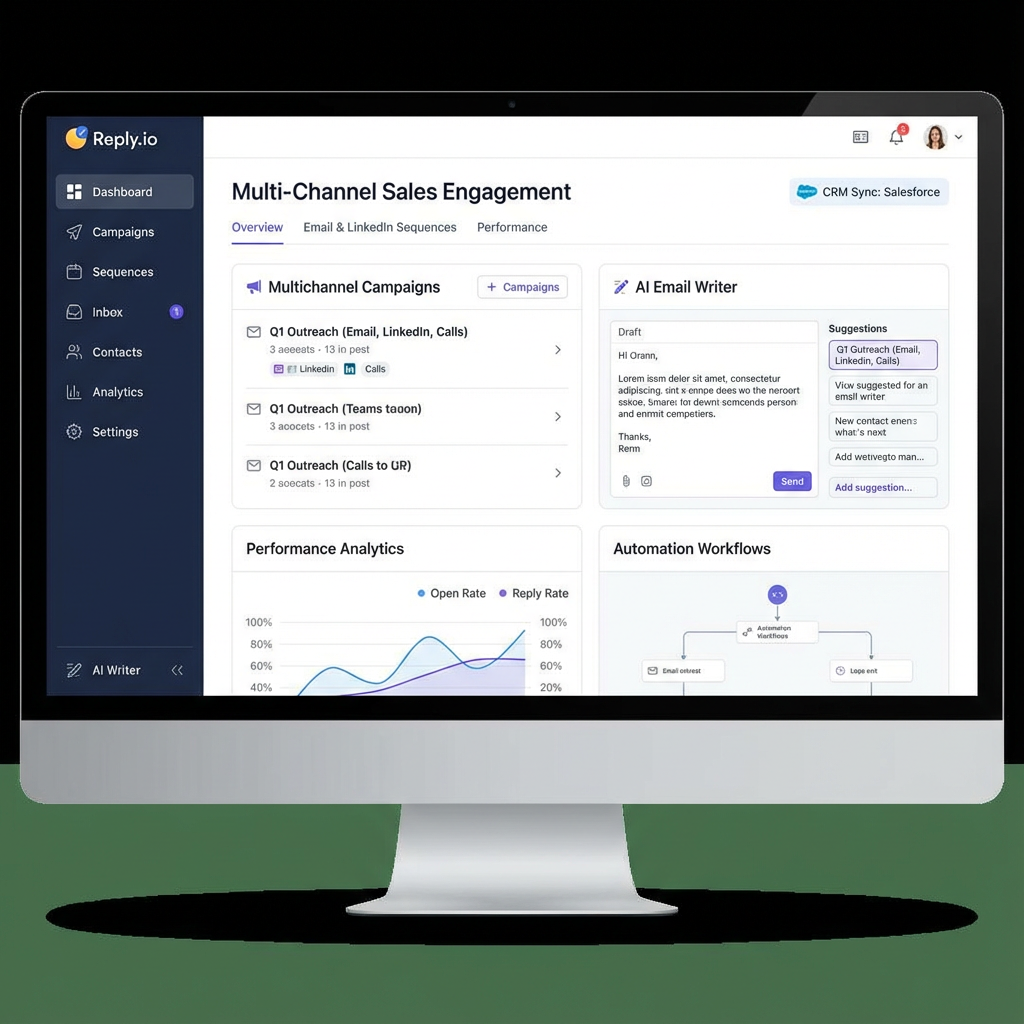
Reply.io is a full-featured sales engagement platform that happens to include powerful LinkedIn automation. If you're looking for an all-in-one solution that handles email, LinkedIn, calls, and more, Reply.io deserves serious consideration.
Multi-channel sequences are the platform's core strength. You can build campaigns that touch prospects across email, LinkedIn, phone, SMS, and even WhatsApp. The platform automatically adjusts the sequence based on prospect engagement, ensuring you're always using the most effective channel.
The AI email writer generates personalized email copy based on your prospect's industry, role, and company. Combined with LinkedIn message templates, you can create cohesive multi-channel campaigns without spending hours on copywriting.
CRM integration is seamless with native connections to Salesforce, HubSpot, Pipedrive, and dozens of other platforms. Prospect data, conversation history, and engagement metrics sync automatically, keeping your sales stack aligned.
Pricing starts at $60 per month per user, making it one of the more affordable options for teams that need multi-channel capabilities.
Best for: Sales teams that want a unified platform for email, LinkedIn, and phone outreach.
6. Lemlist
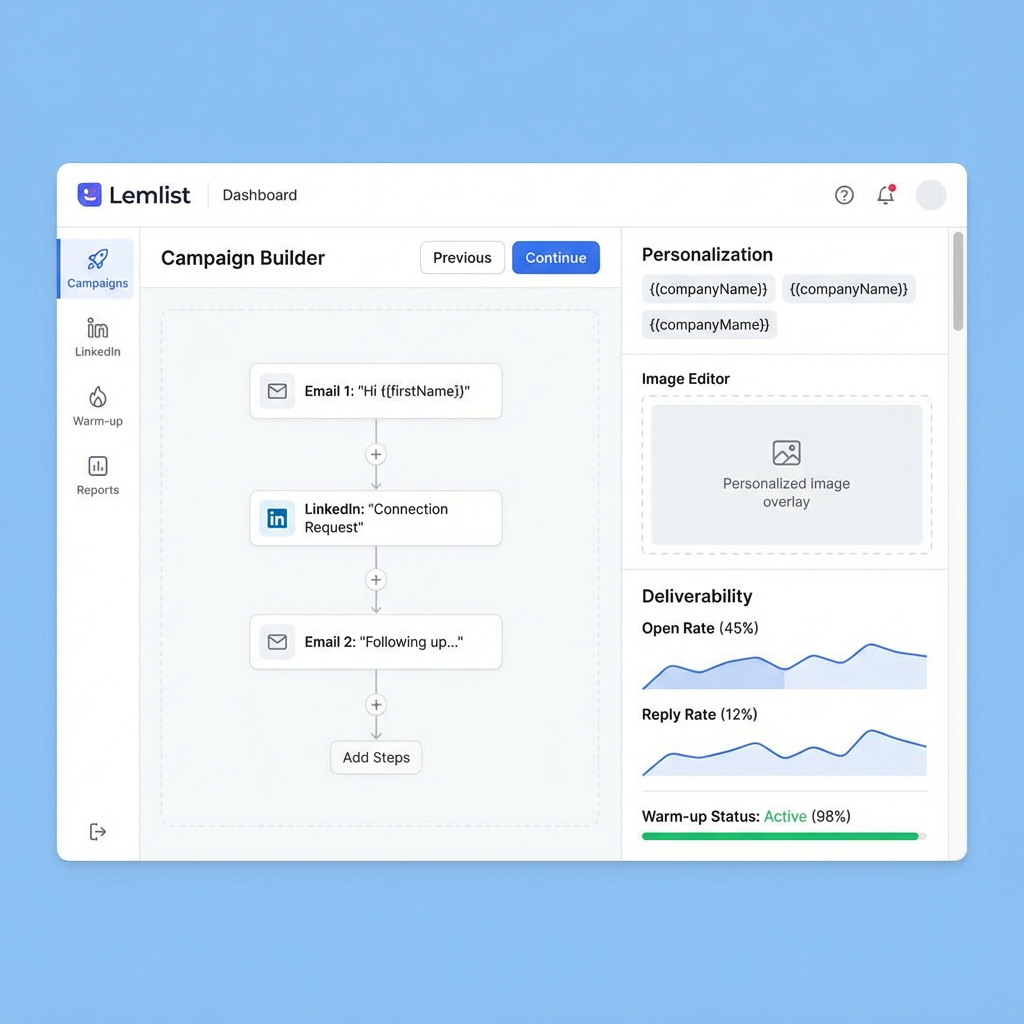
Lemlist built its reputation on cold email but has evolved into a powerful multi-channel outreach platform with robust LinkedIn integration. The platform's focus on personalization at scale makes it a favorite among growth-focused teams.
The campaign builder lets you mix email and LinkedIn touchpoints in sophisticated sequences. You might warm up a prospect with a few emails before sending a LinkedIn connection request, or use LinkedIn as a follow-up channel for email non-responders.
Image and video personalization takes outreach to the next level. You can automatically insert prospect names, company logos, or custom images into your messages, creating the illusion of one-to-one communication even when you're reaching thousands of people.
Email warm-up and deliverability tools ensure your messages actually reach inboxes. Lemlist automatically warms up new email accounts, monitors sender reputation, and provides detailed deliverability analytics.
Pricing starts at $59 per month with email and LinkedIn features included in all plans.
Best for: Growth marketers and sales teams that want to combine cold email expertise with LinkedIn automation.
7. Waalaxy
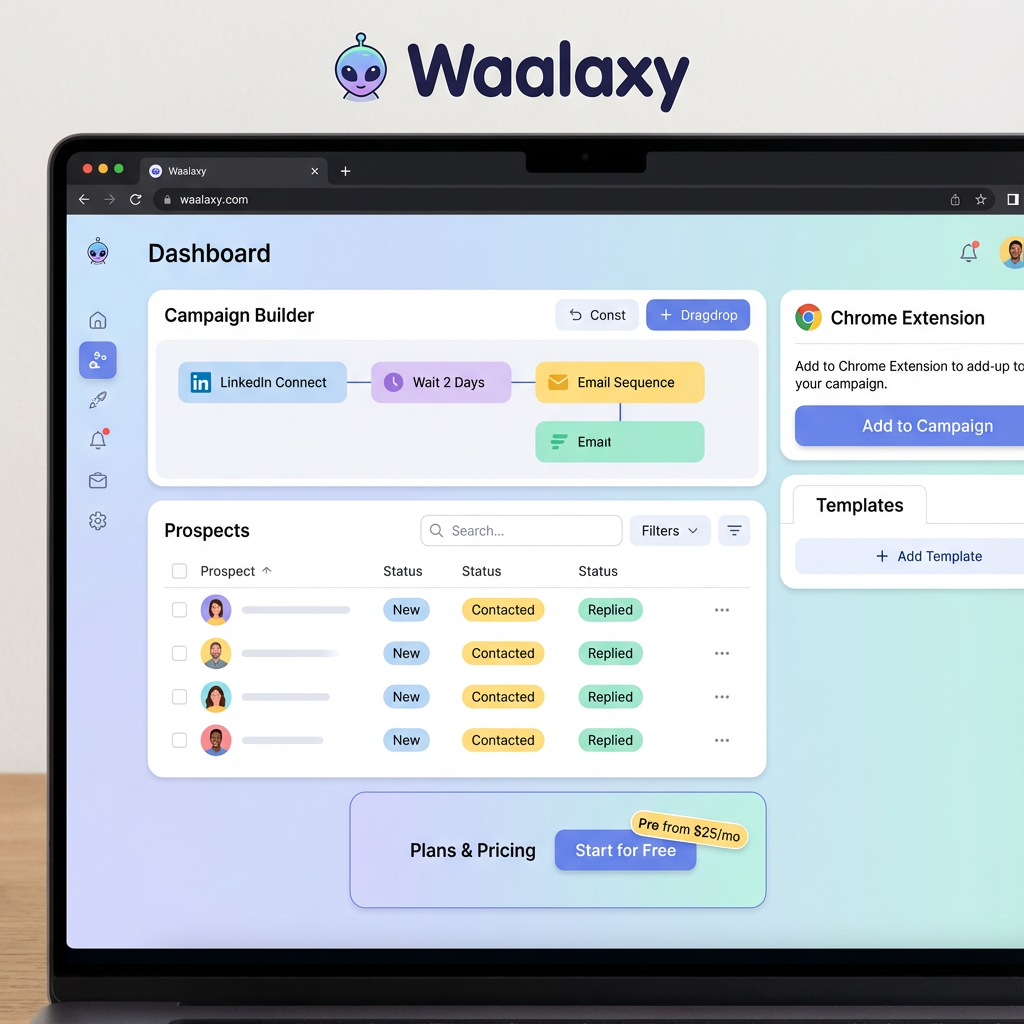
Waalaxy makes LinkedIn and email automation accessible to everyone with its user-friendly interface and generous free plan. If you're new to LinkedIn automation or working with a tight budget, Waalaxy is an excellent starting point.
The Chrome extension approach means you don't need to worry about cloud infrastructure or dedicated IPs. The tool runs directly in your browser, making setup quick and painless. Just install the extension, connect your LinkedIn account, and start building campaigns.
Campaign templates provide ready-made sequences for common use cases like job recruiting, partnership outreach, and sales prospecting. You can customize these templates or build your own from scratch using the intuitive campaign builder.
LinkedIn and email sequences work together seamlessly. Waalaxy can automatically find email addresses for your LinkedIn prospects and add them to coordinated multi-channel campaigns.
A free plan is available with limited features, while paid plans start at just $25 per month, making it one of the most affordable options on this list.
Best for: Solopreneurs, startups, and small teams looking for affordable LinkedIn and email automation.
8. PhantomBuster
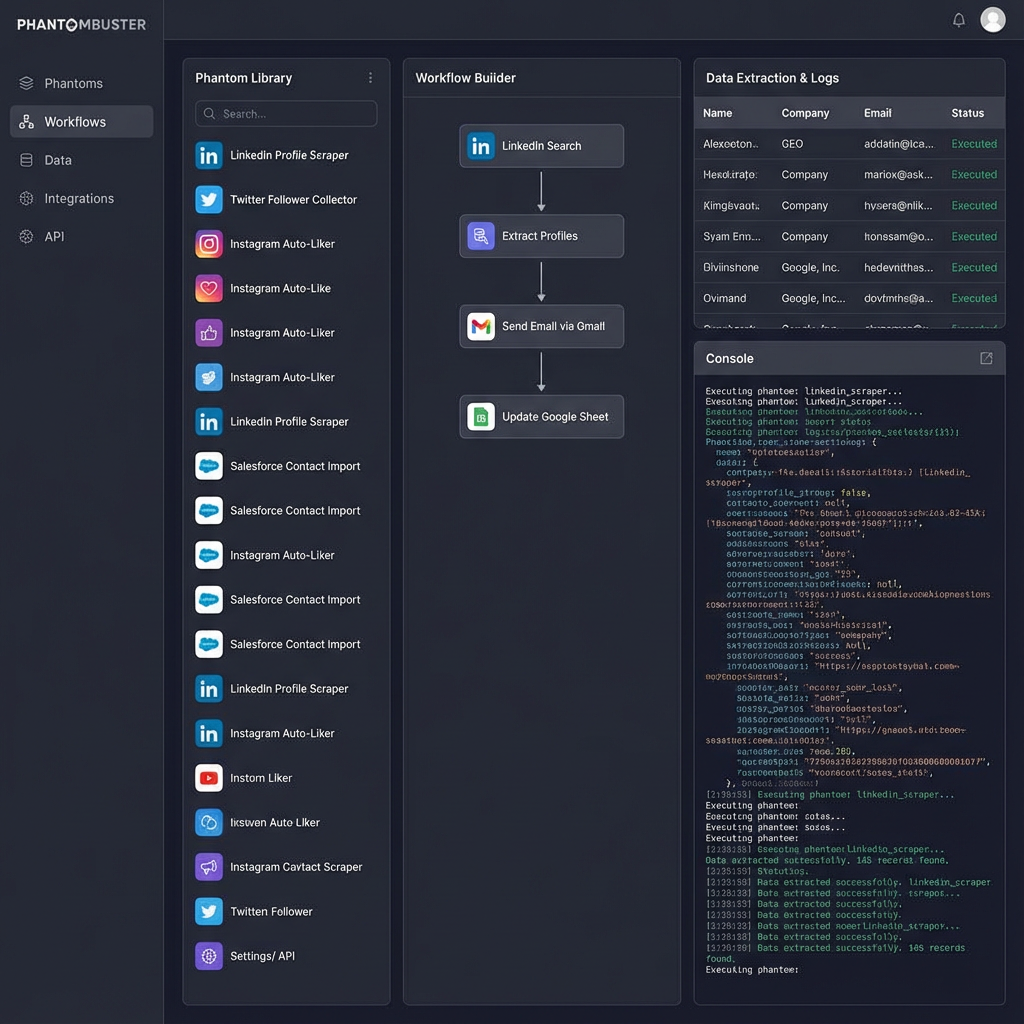
PhantomBuster takes a unique approach to LinkedIn automation by offering a library of pre-built "Phantoms" (automation workflows) that you can mix and match to create custom solutions.
The platform isn't limited to LinkedIn. You can automate data extraction and engagement across Twitter, Instagram, Facebook, Google Maps, and dozens of other platforms. This makes PhantomBuster incredibly versatile for teams that need multi-platform automation.
Data scraping capabilities are particularly powerful. You can extract profile information, company data, post engagement metrics, and more from LinkedIn. This data can then feed into your outreach campaigns or CRM for enrichment purposes.
The workflow builder lets you chain multiple Phantoms together to create sophisticated automation sequences. You might scrape LinkedIn profiles based on search criteria, enrich the data with email addresses, and then launch an outreach campaign—all automatically.
Usage-based pricing starts around $30 per month, with costs scaling based on how many automation tasks you run.
Best for: Technical teams and agencies that need flexible, multi-platform automation and data extraction capabilities.
9. Meet Alfred
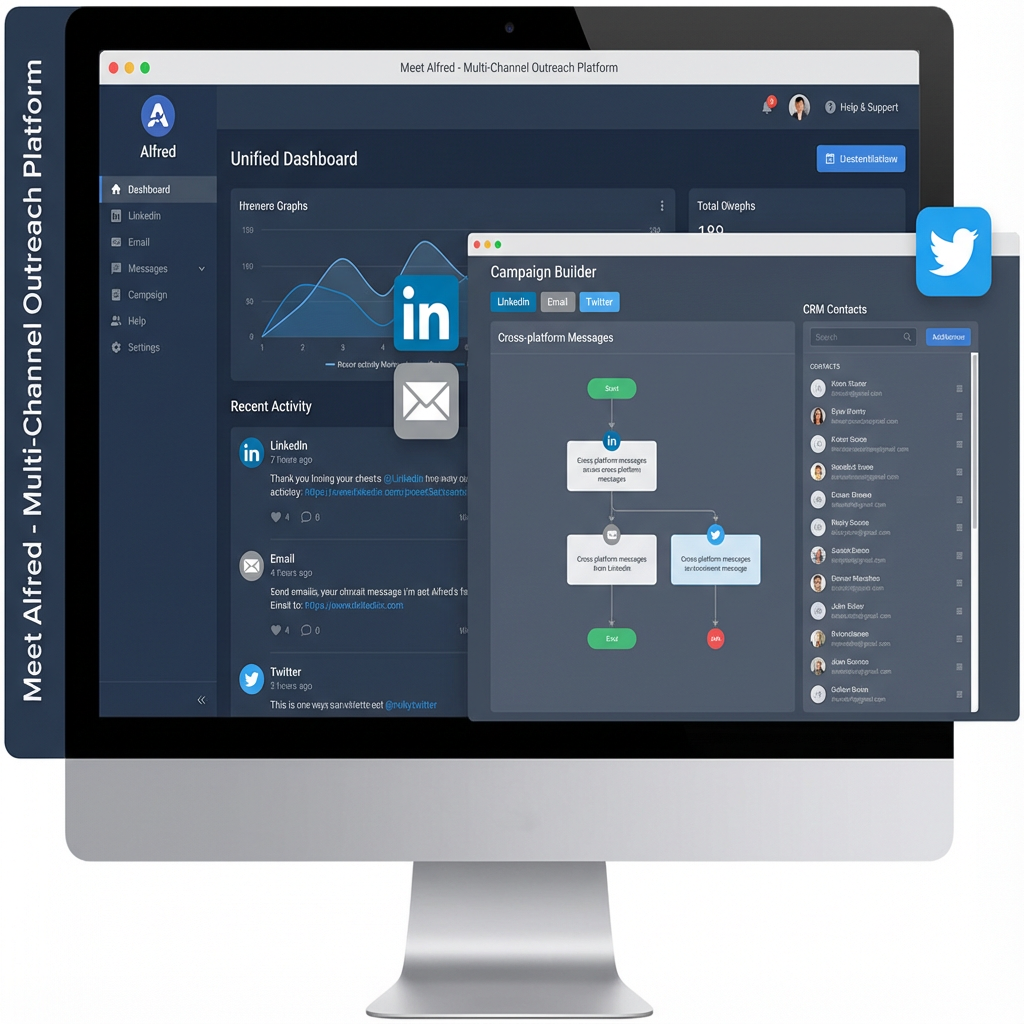
Meet Alfred combines LinkedIn, email, and Twitter automation in a single platform with a built-in CRM. This all-in-one approach eliminates the need to juggle multiple tools for your outreach campaigns.
Multi-channel campaigns let you coordinate touchpoints across LinkedIn, email, and Twitter. You might engage with a prospect's tweets, send a LinkedIn connection request, and follow up with an email—all as part of a single automated sequence.
The built-in CRM keeps track of all your prospects, conversations, and deals without requiring integration with external platforms. For small teams that don't already have a CRM, this can significantly simplify your sales stack.
Team collaboration features include shared inboxes, campaign templates, and performance dashboards. Multiple team members can work on campaigns simultaneously without stepping on each other's toes.
Pricing starts at $49 per month for individual users, with team plans available at higher tiers.
Best for: Small sales teams that want an all-in-one solution with built-in CRM functionality.
10. Closely
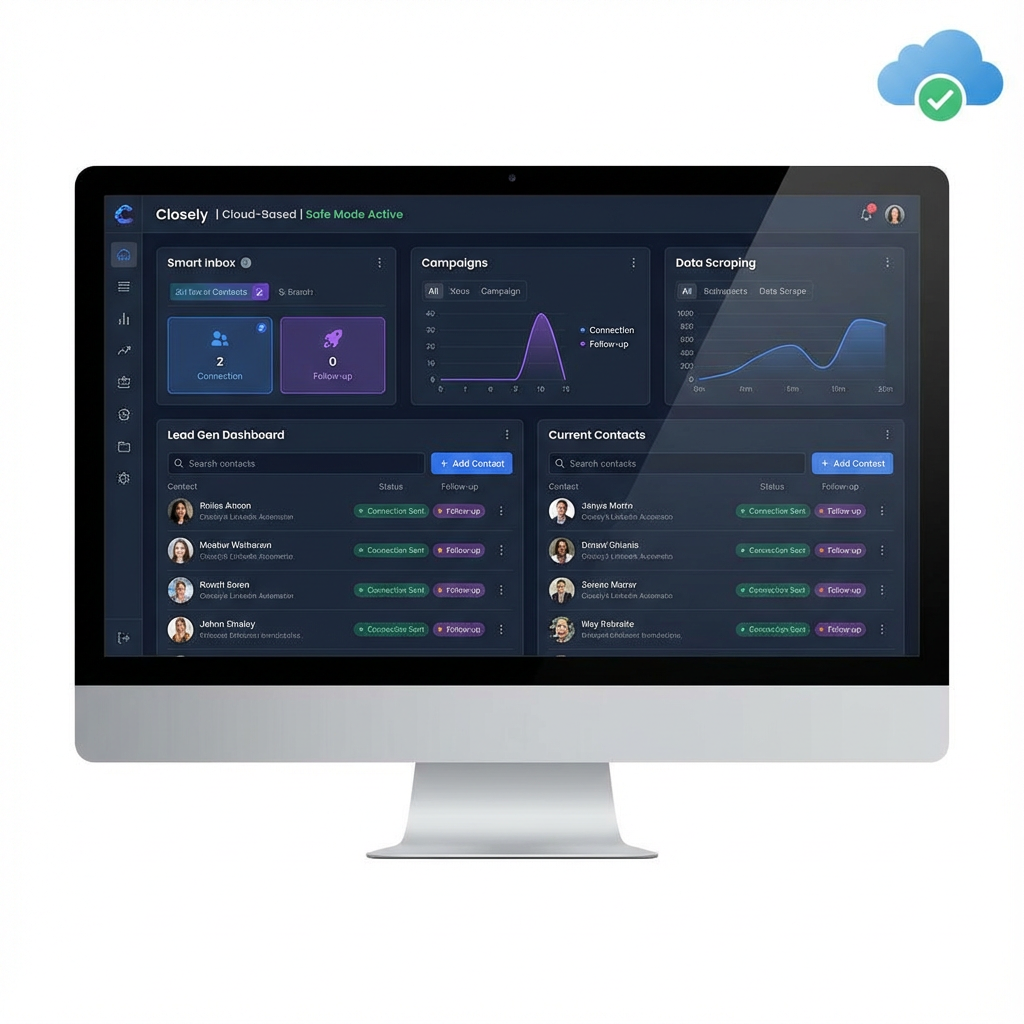
Closely is a cloud-based LinkedIn automation platform that emphasizes safety, smart inbox management, and data scraping capabilities. The platform strikes a nice balance between powerful features and user-friendly design.
The smart inbox consolidates all your LinkedIn conversations in one place with filtering, tagging, and assignment capabilities. You can quickly triage incoming messages, assign conversations to team members, and ensure no lead gets ignored.
Campaign management tools let you create multi-step sequences with personalization, delays, and conditional logic. The platform automatically respects LinkedIn's daily limits and uses randomized timing to keep your account safe.
Data scraping features let you extract profile information, company data, and contact details from LinkedIn. This data can be exported to CSV or pushed directly to your CRM for follow-up.
Pricing starts at $99 per month with all core features included.
Best for: B2B companies that need reliable LinkedIn automation with strong inbox management and data extraction.
11. LeadLoft
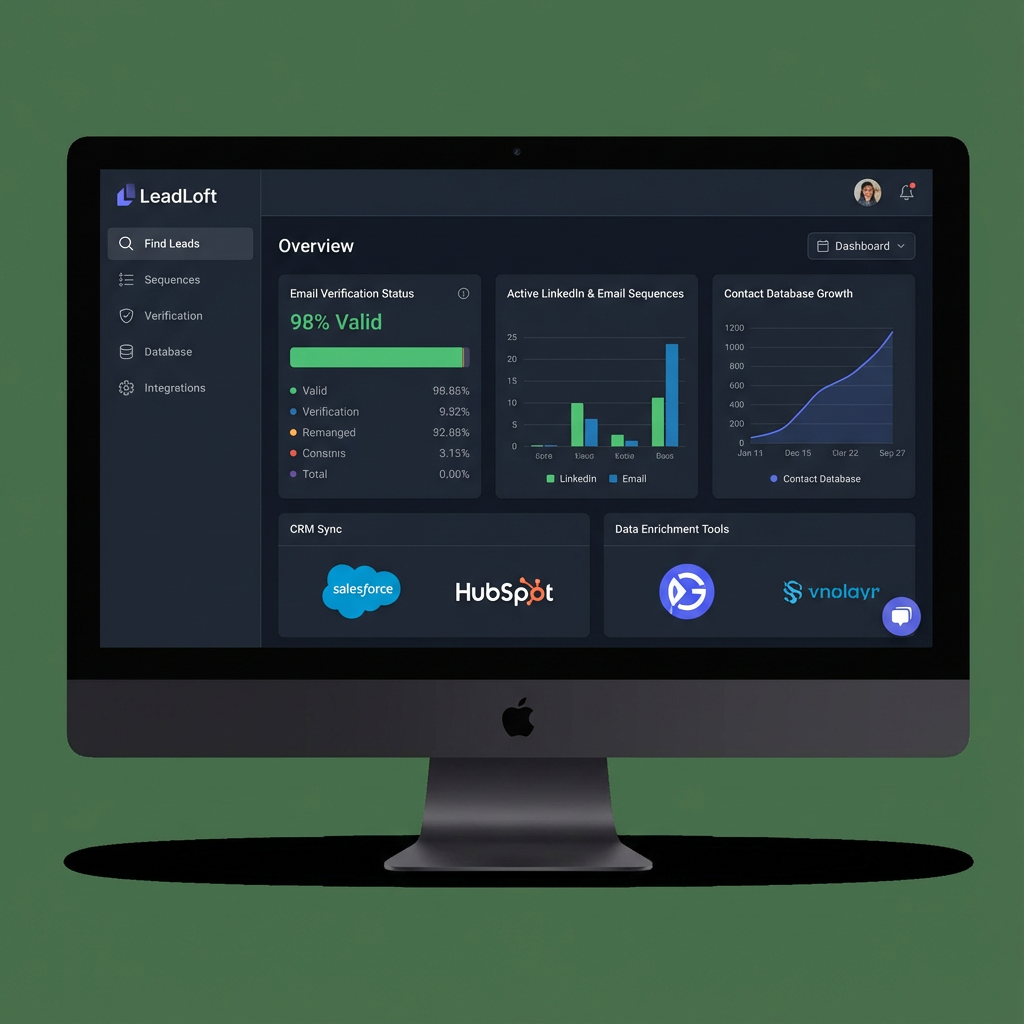
LeadLoft combines email finding, verification, and multi-channel outreach in a single platform. If you struggle with finding accurate contact information for your prospects, LeadLoft's data enrichment capabilities will be a game-changer.
The email finder can locate and verify email addresses for your LinkedIn prospects automatically. This eliminates the manual work of searching for contact information and ensures you're reaching out to valid addresses.
Multi-channel sequences coordinate LinkedIn and email touchpoints based on prospect engagement. If someone doesn't respond on LinkedIn, the platform can automatically try email. If they engage on either channel, the sequence adjusts accordingly.
CRM integration keeps your sales stack synchronized with native connections to popular platforms. Prospect data, engagement history, and conversation notes sync automatically, eliminating double data entry.
Competitive pricing makes LeadLoft accessible to teams of all sizes, with plans scaling based on the number of contacts and features you need.
Best for: Sales teams that need email finding and verification combined with LinkedIn automation.
12. Botdog
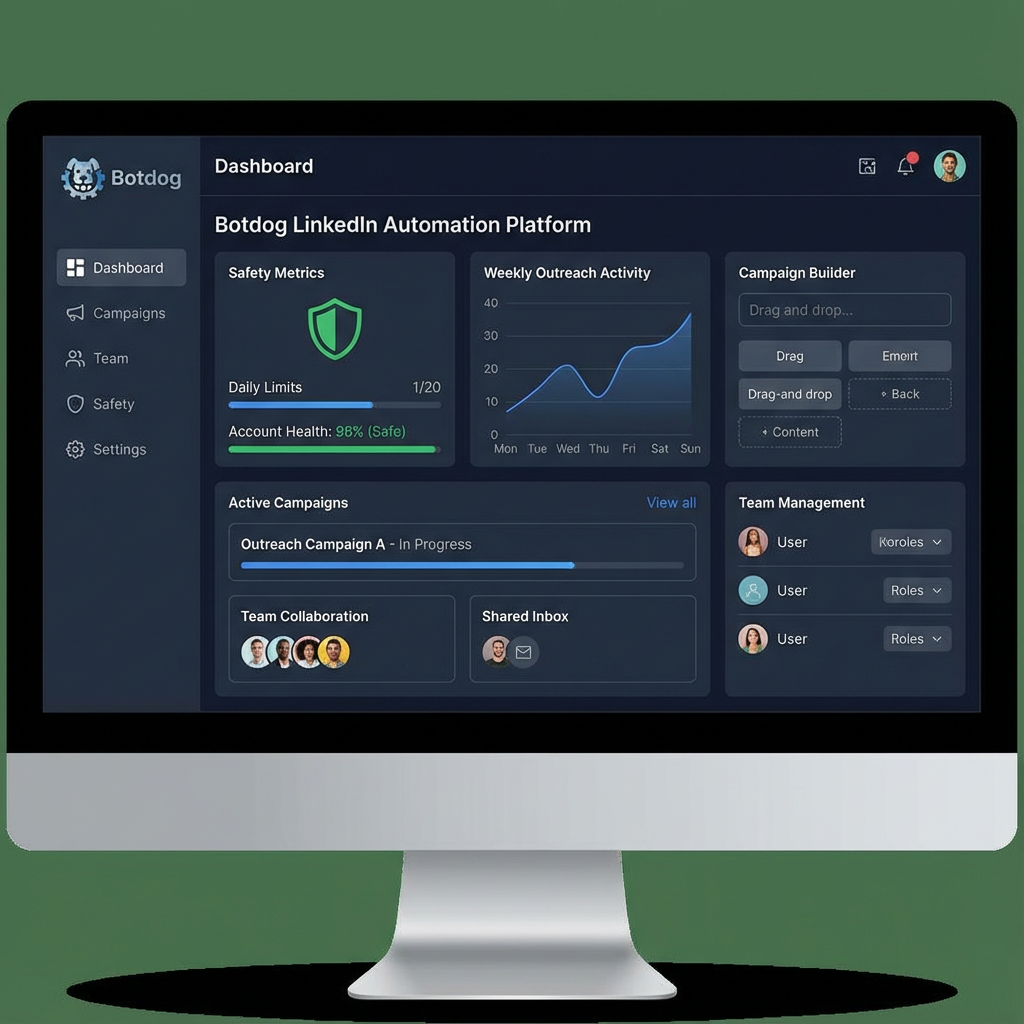
Botdog is a newer entrant to the LinkedIn automation space, but it's quickly gaining traction with its modern interface, safety-focused approach, and team collaboration features.
The platform emphasizes account safety with cloud-based infrastructure, smart activity limits, and behavior randomization. Botdog's algorithms continuously adapt to LinkedIn's changing detection methods, keeping your accounts protected.
Team features include role-based permissions, shared campaigns, and unified inbox management. You can control who has access to which accounts and campaigns, ensuring proper oversight as your team grows.
The campaign builder offers visual workflow design with drag-and-drop simplicity. You can create complex sequences with conditional logic, A/B testing, and dynamic personalization without writing a single line of code.
Modern pricing structure with transparent tiers based on the number of accounts and features you need.
Best for: Growing teams that want a modern, safety-focused LinkedIn automation platform with strong collaboration features.
Affordable & Browser-Based Tools
These budget-friendly options sacrifice some advanced features but deliver solid LinkedIn automation at accessible price points. Perfect for solopreneurs and small teams just getting started.
13. Octopus CRM
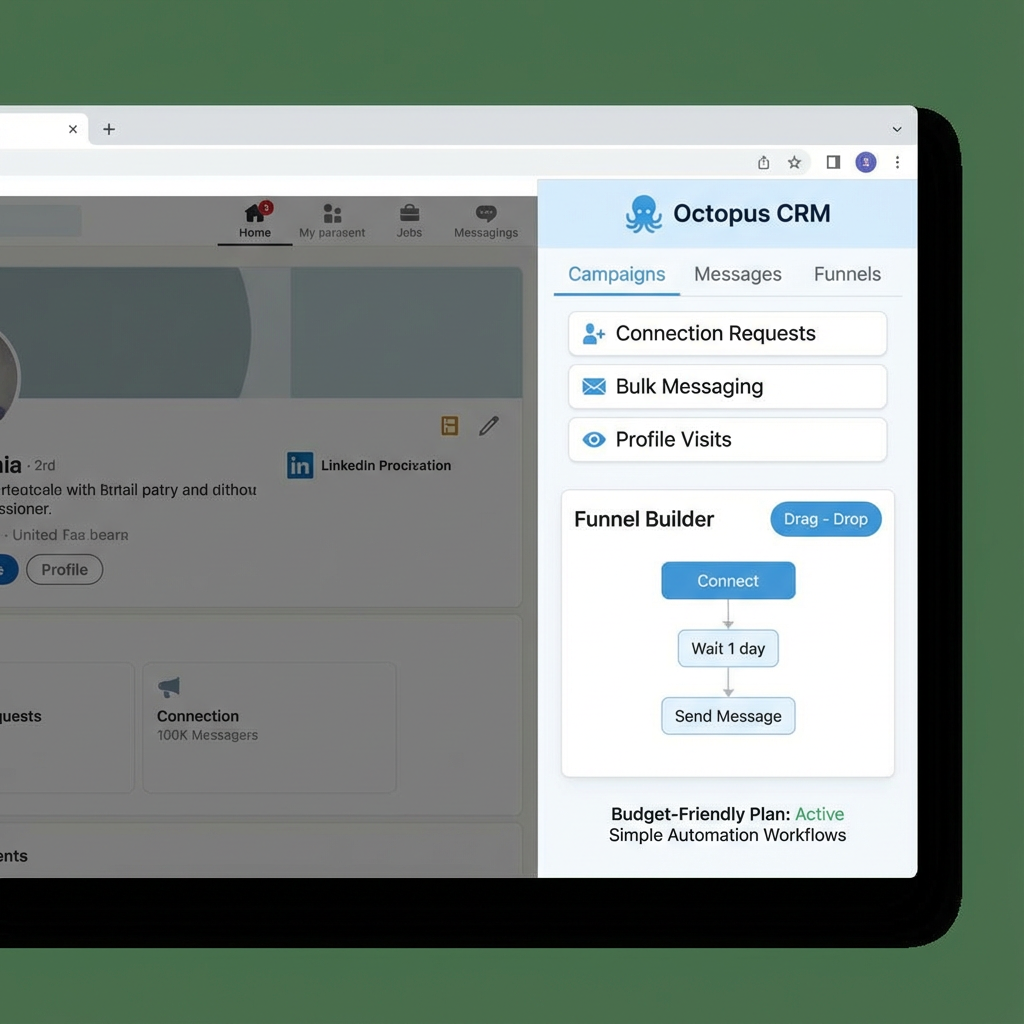
Octopus CRM is a Chrome extension that brings LinkedIn automation to the masses with incredibly affordable pricing. Starting at just $9.99 per month, it's one of the most budget-friendly options available.
The extension runs directly in your browser, which means setup is quick and simple. No need to configure cloud servers or dedicated IPs—just install the extension and start automating.
Basic automation features include connection requests, message sequences, profile visits, and endorsements. While not as sophisticated as cloud-based platforms, Octopus CRM covers the essentials that most users need.
The funnel builder lets you create simple sequences with multiple steps. You can automatically visit profiles, send connection requests, and follow up with messages based on whether prospects accept your invitation.
Pricing starts at $9.99 per month, making it one of the most affordable LinkedIn automation tools on the market.
Best for: Solopreneurs and small businesses with tight budgets who need basic LinkedIn automation.
14. Linked Helper
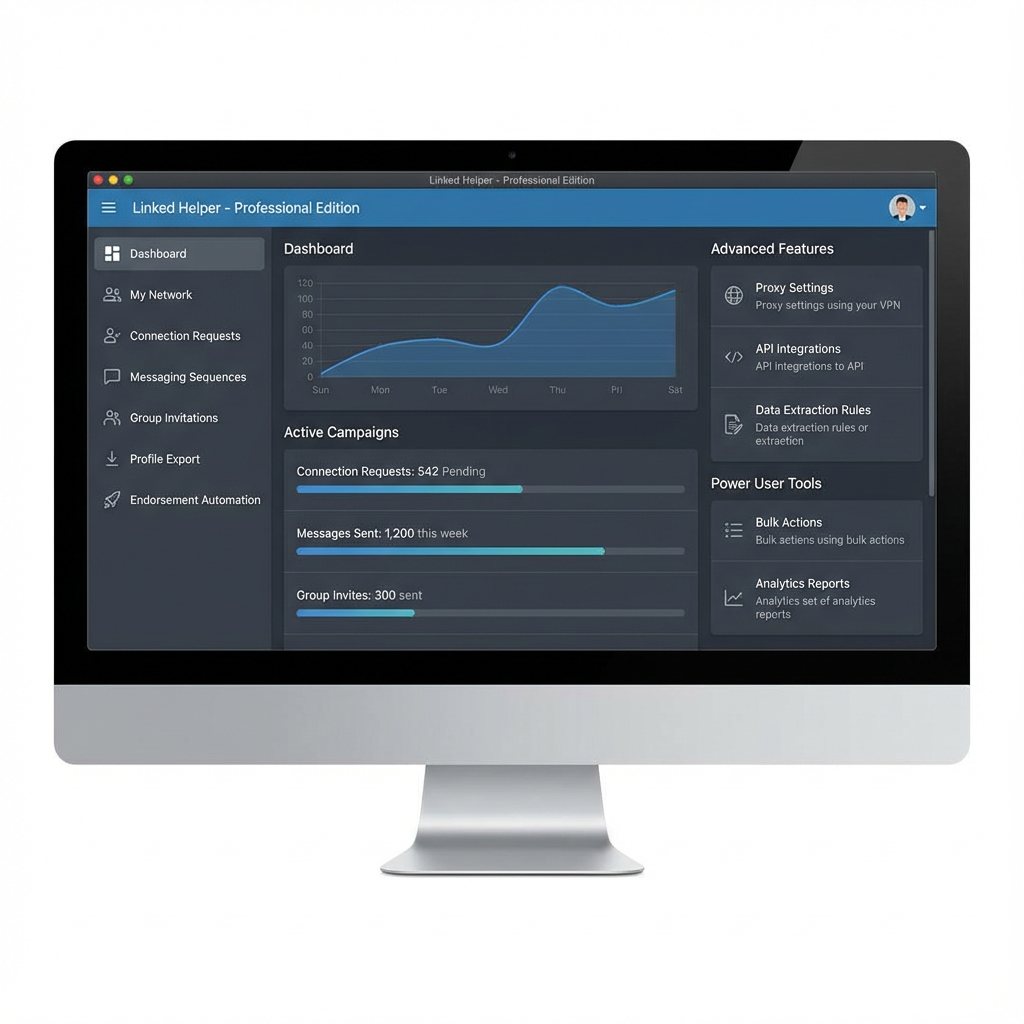
Linked Helper is a desktop application that offers comprehensive LinkedIn automation features at a reasonable price. The tool has been around for years and has built a loyal following among power users.
The desktop application approach means you're not limited by browser restrictions. Linked Helper can run in the background while you work on other tasks, automating your LinkedIn activity throughout the day.
Comprehensive features include connection requests, messaging, group invitations, profile exports, endorsements, and more. The tool offers more automation options than most browser extensions, though it requires your computer to be running for automation to work.
Advanced users appreciate the scripting capabilities and customization options. You can fine-tune activity limits, randomization settings, and message templates to match your specific needs.
One-time payment options are available in addition to monthly subscriptions, making it cost-effective for long-term users.
Best for: Power users who want comprehensive LinkedIn automation features at a reasonable price and don't mind using a desktop application.
15. Dux-Soup
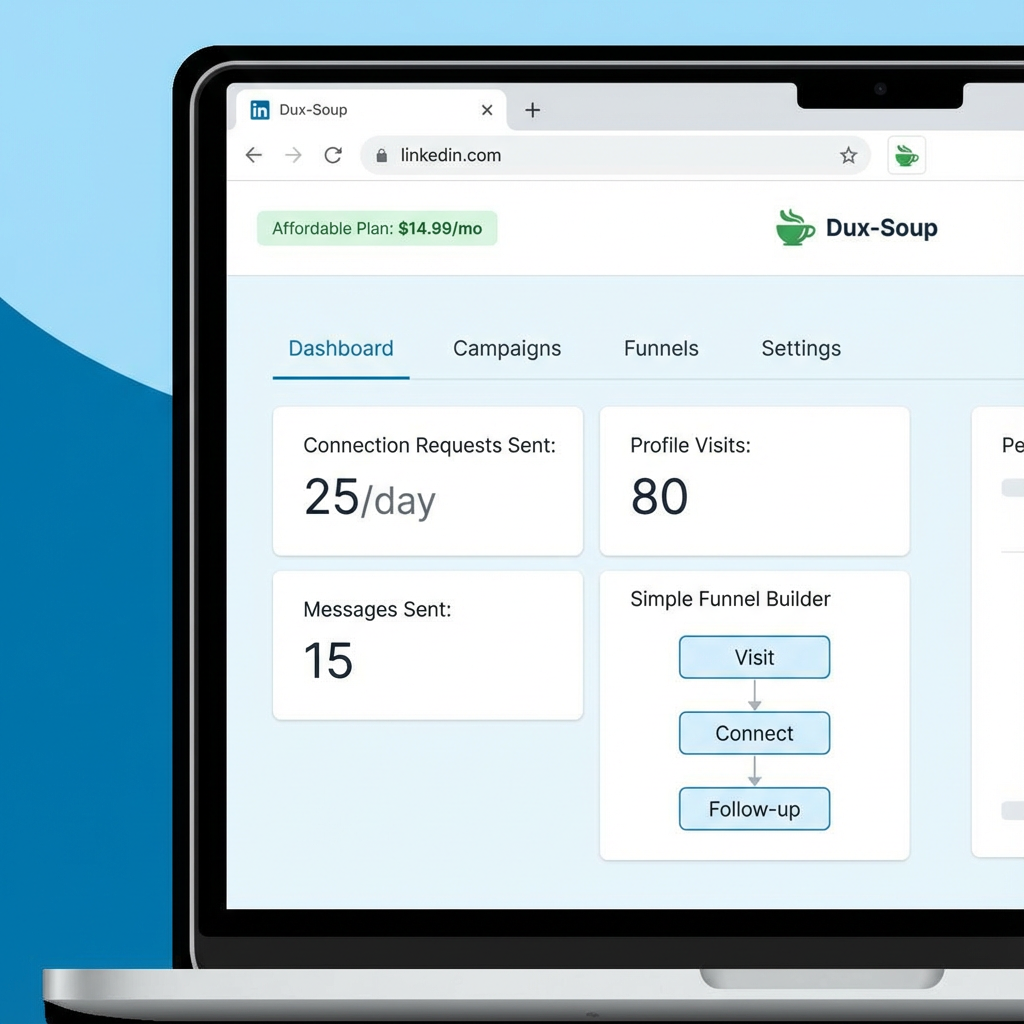
Dux-Soup is one of the original LinkedIn automation tools, and it's still going strong with a Chrome extension that balances simplicity and functionality.
The extension integrates directly with LinkedIn's interface, making it feel like a natural part of the platform. You can automate profile visits, connection requests, messages, and endorsements without leaving LinkedIn.
Simple automation workflows are perfect for users who don't need complex sequences. You can set up basic campaigns that visit profiles, send connection requests, and follow up with messages on a schedule.
The affordable pricing and straightforward feature set make Dux-Soup an excellent choice for LinkedIn automation beginners. You can get started quickly without a steep learning curve.
Pricing starts at $14.99 per month for the professional version with full automation features.
Best for: LinkedIn automation beginners who want a simple, affordable tool that's easy to learn.
How to Choose the Right HeyReach Alternative
With 15 solid alternatives to consider, how do you pick the right one for your needs? Here's a framework to guide your decision.
Start with your budget. If you're working with limited resources, tools like Waalaxy, Octopus CRM, and Dux-Soup offer solid functionality at accessible price points. If budget isn't a constraint, premium options like Expandi and We-Connect deliver advanced features and superior safety.
Consider your scale. Managing a single LinkedIn account requires different tools than running campaigns across dozens of client profiles. If you're an agency or enterprise, prioritize platforms with multi-account management, team collaboration, and white-labeling capabilities.
Evaluate your technical comfort level. Some tools like PhantomBuster require technical knowledge to set up and customize. Others like Waalaxy and Dripify offer intuitive interfaces that anyone can use. Choose a tool that matches your team's technical capabilities.
Think about your outreach strategy. If you're focused exclusively on LinkedIn, specialized tools like Expandi might be ideal. If you want to coordinate LinkedIn with email, phone, and other channels, multi-platform solutions like Reply.io or Lemlist make more sense.
Prioritize safety above all else. LinkedIn actively monitors for automation and doesn't hesitate to ban accounts that violate their terms of service. Cloud-based platforms with dedicated IPs, randomized behavior, and smart activity limits offer the best protection for your accounts.
Common Questions About LinkedIn Outreach Tools
Is LinkedIn automation legal?
LinkedIn automation exists in a gray area. While it technically violates LinkedIn's terms of service, millions of users automate their outreach without issues. The key is using tools that prioritize safety and mimic human behavior. Avoid aggressive automation that sends hundreds of connection requests per day or uses obvious bot-like patterns.
Can LinkedIn detect automation tools?
Yes, LinkedIn has sophisticated detection algorithms that look for automation patterns. However, modern cloud-based tools use randomization, dedicated IPs, and smart activity limits to avoid detection. Browser extensions are generally riskier than cloud-based platforms because they're easier for LinkedIn to detect.
What are safe daily limits for LinkedIn automation?
Conservative daily limits include 50-100 profile visits, 20-30 connection requests, and 20-30 messages. These numbers vary based on account age, connection count, and activity history. Newer accounts should start with lower limits and gradually increase over time.
Do I need a LinkedIn Premium account for automation?
No, most automation tools work fine with free LinkedIn accounts. However, Premium features like InMail and advanced search filters can enhance your outreach campaigns. Sales Navigator is particularly valuable for B2B prospecting because of its advanced filtering and lead recommendations.
How long does it take to see results from LinkedIn automation?
Most users start seeing responses within the first week of launching campaigns. However, building a consistent pipeline typically takes 2-4 weeks as your sequences mature and prospects move through different stages. Patience and consistent activity are key to long-term success.
Can I use multiple automation tools simultaneously?
This is not recommended. Running multiple automation tools on the same LinkedIn account increases your risk of detection and can cause conflicts between the tools. Choose one platform and stick with it for consistency and safety.
What's the best way to personalize automated messages?
Use personalization tokens to insert prospect names, company names, job titles, and other profile details into your messages. Reference specific posts they've shared or articles they've written. The more specific and relevant your message, the higher your response rate will be.
Should I connect with everyone or be selective?
Quality over quantity is the winning strategy. Target prospects who match your ideal customer profile rather than sending connection requests to everyone. A smaller, highly targeted network will generate better results than a large, unfocused one.
How do I avoid getting my LinkedIn account banned?
Use cloud-based automation tools with good safety reputations. Respect daily activity limits. Personalize your messages. Avoid spammy behavior like sending the same generic message to hundreds of people. Gradually increase your activity over time rather than going from zero to maximum overnight.
What's the ROI of LinkedIn automation?
This varies widely based on your industry, target audience, and message quality. Most B2B companies see positive ROI within 2-3 months of consistent outreach. The key is tracking metrics like connection acceptance rate, response rate, and conversion rate to optimize your campaigns over time.
Final Thoughts: Finding Your Perfect LinkedIn Outreach Solution
HeyReach has established itself as a strong player in the LinkedIn automation space, but it's far from your only option. The 15 alternatives we've explored offer different strengths, price points, and feature sets to match virtually any use case.
For agencies managing multiple client accounts, platforms like Expandi, We-Connect, and Dripify deliver the multi-account management, team collaboration, and safety features you need to scale confidently.
If you want to coordinate LinkedIn with email and other channels, multi-platform solutions like Reply.io, Lemlist, and SalesRobot provide the integrated workflows that drive better results than single-channel approaches.
Budget-conscious users will find solid options in Waalaxy, Octopus CRM, and Dux-Soup, which deliver core LinkedIn automation features at accessible price points.
The right choice depends on your specific needs, budget, and technical comfort level. Start by identifying your must-have features, then test a few platforms to see which one fits your workflow best. Most tools offer free trials, so you can experiment risk-free before committing.
Remember that the tool is just one piece of the puzzle. Your message quality, targeting accuracy, and follow-up consistency matter just as much as the automation platform you choose. Focus on providing genuine value to your prospects, and the technology will amplify your efforts rather than replace them.
LinkedIn outreach in 2025 is more sophisticated than ever, but with the right tools and strategies, it remains one of the most effective channels for B2B lead generation. Choose wisely, automate intelligently, and watch your pipeline grow.